Curated Workspaces

High-Performance Workstation Blueprints

Your physical environment shapes cognitive endurance. Each setup below features a distinct biomechanical configuration, hardware synergy, and architectural focus.

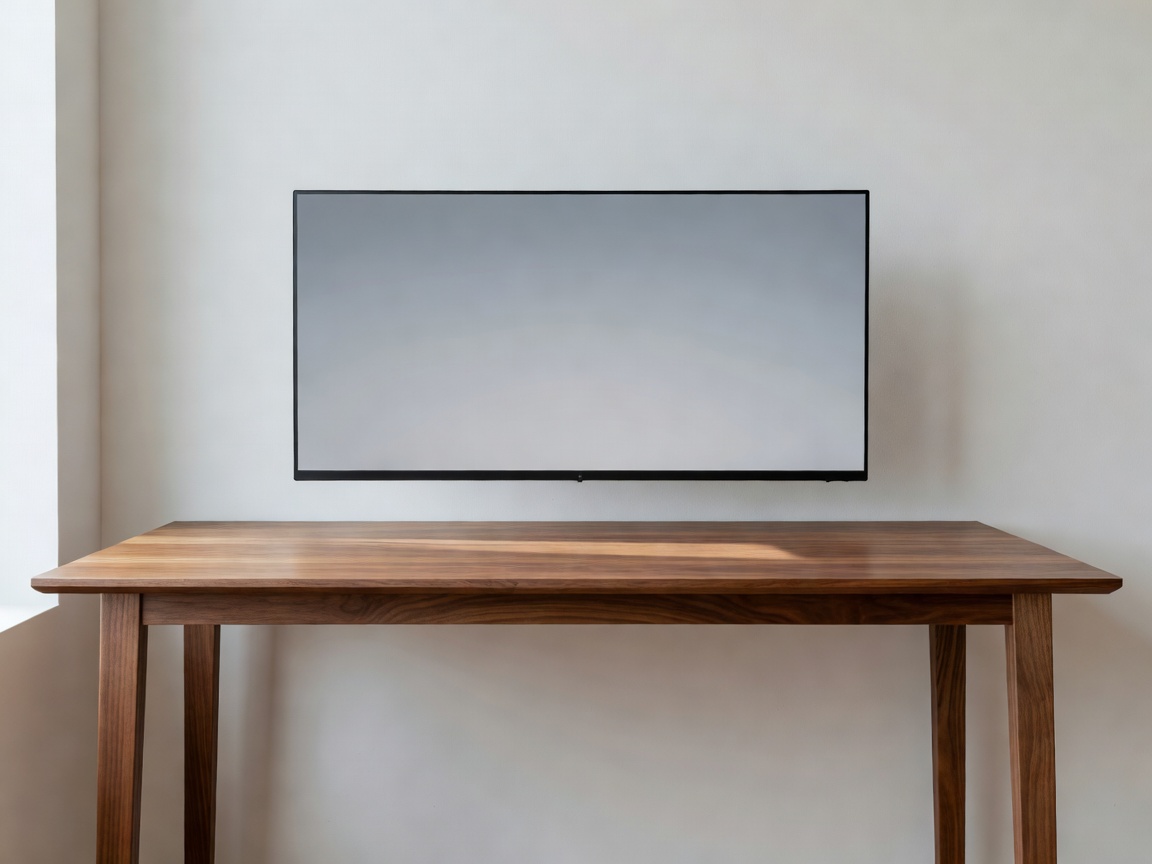
Nordic Walnut standing desk with mechanical keyboard and ultrawide screen

Nordic Walnut Ultrawide

Designed for product leaders and architects who need continuous horizontal field-of-view without multi-bezel distraction.

  • Desk: Uplift V2 Commercial Walnut (72" x 30")
  • Monitor: LG 38WN95C-W 38" Curved UltraWide
  • Chair: Herman Miller Embody with Sync Fabric
  • Audio: KEF LSX II Wireless HiFi Speakers
Read Biomechanics Analysis →
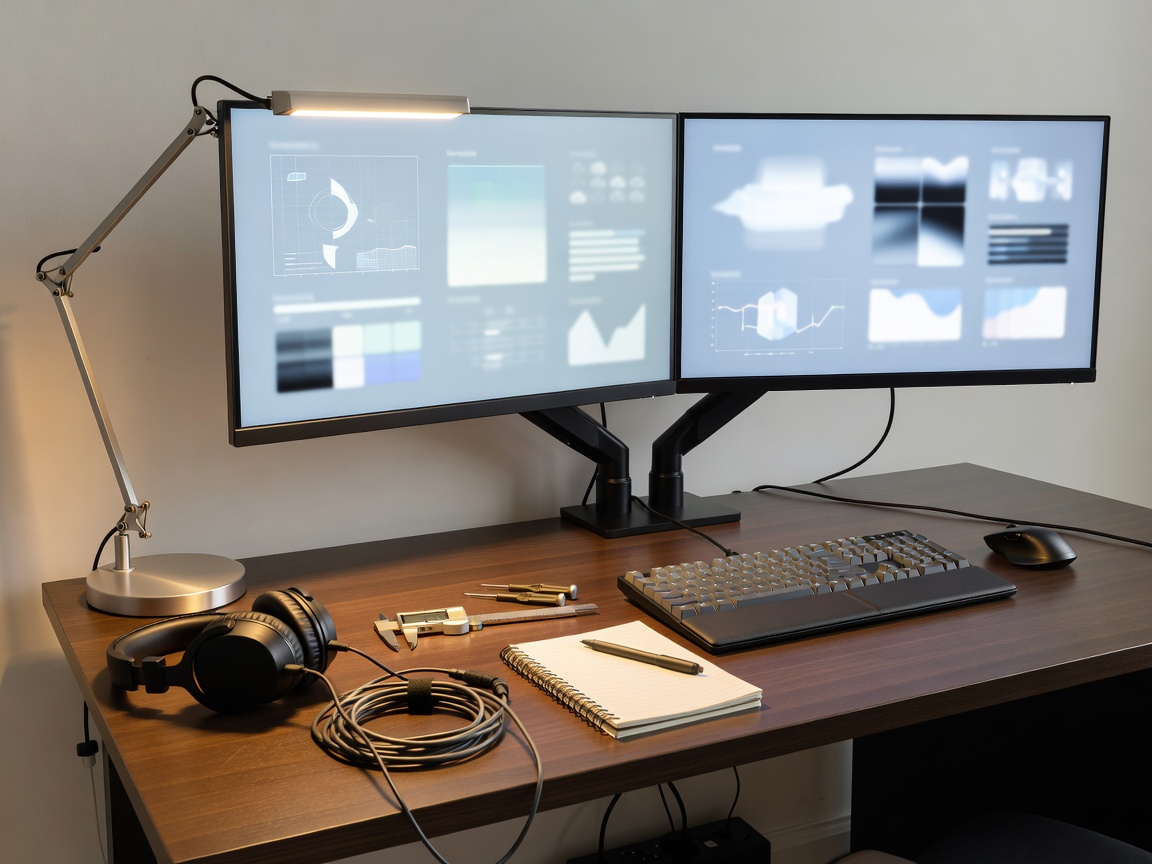
Dual monitor setup featuring vertical documentation display and mechanical keyboard

Vertical Code & Terminal Station

Engineered for backend engineers running continuous logs, terminals, and API specs side-by-side with zero lateral head tilt.

  • Desk: Jarvis Bamboo Motorized Frame (60" x 30")
  • Monitors: Dual Dell UltraSharp 27" 4K (1 Portrait)
  • Keyboards: Keychron Q1 Pro Mechanical Custom
  • Light: BenQ ScreenBar Halo with Wireless Dial
Read Dual-Screen Alignment Guide →
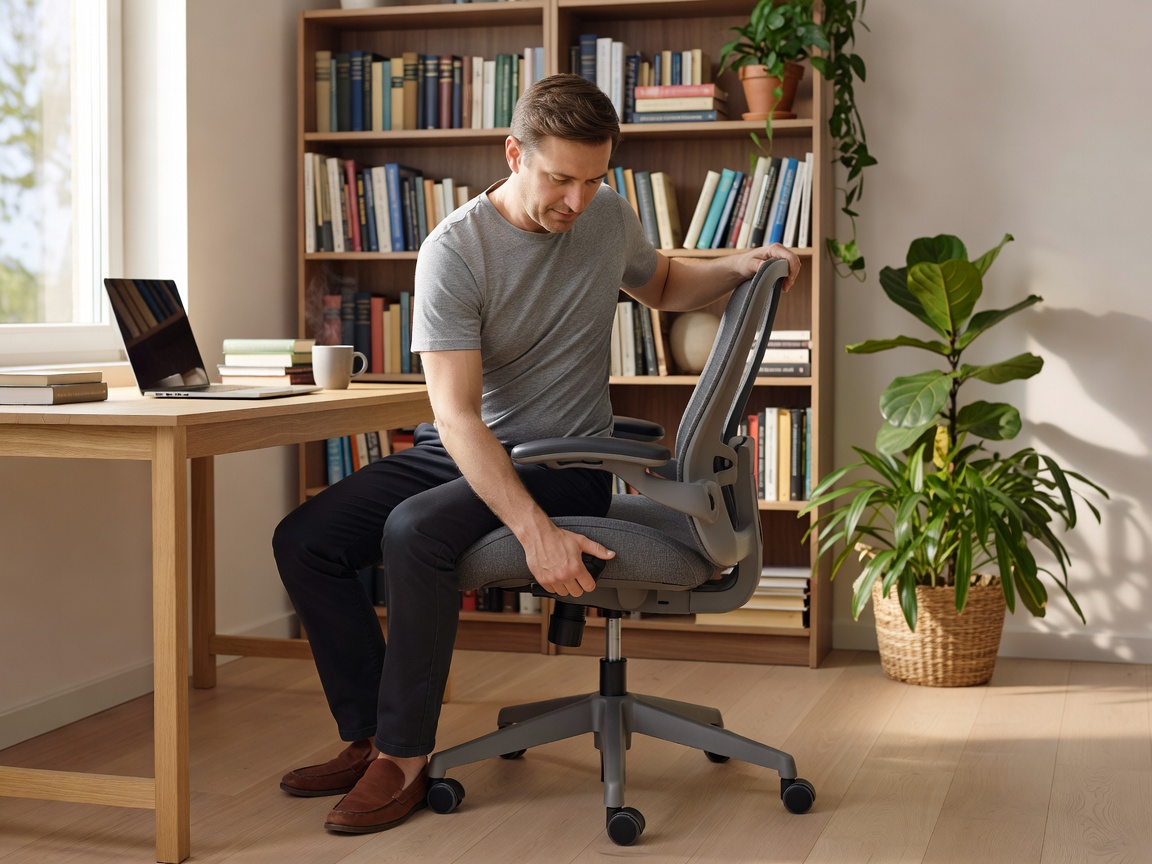
Natural light wooden desk in plant-filled home office corner

Biophilic Sunlit Haven

Maximized for psychological well-being, passive daylighting, oxygenating houseplants, and clutter-free cable channels.

  • Desk: Oak Solid Slab Custom Cut (55" x 28")
  • Laptop: MacBook Pro 16" on BoYata Aluminum Arm
  • Chair: Steelcase Gesture in Sage Fabric
  • Headphones: Sony WH-1000XM5 ANC
Read Biophilic Science Analysis →

Workstation Biomechanics & Setup Case Studies

Specialized technical investigations examining cable concealment, acoustic dampening, and posture optimization for distributed workers:

The 4-Step Zero-Visible-Cable Checklist

Clean visual lines decrease subconscious cognitive friction. Follow this battle-tested setup routine:

01. Power Strip Mount

Screw an 8-outlet surge protector directly beneath the desk back lip. Only ONE single thick cord should touch the wall outlet.

02. J-Channel Raceway

Adhere continuous foam-tape raceways along the rear undercarriage for monitor DC brick and USB-C dock cables.

03. Single-Cable Thunderbolt Dock

Route displays, audio DAC, webcam, and charging through a single CalDigit TS4 or Anker dock mounted beneath the wood.

04. Velcro Wrap Points

Never use zip ties. Reusable velcro allows easy adjustments when swapping gear without cutting into insulation.